

ADL Dental Lab
At ADL Dental Lab, our focus is on you and your practice. We specialize in providing dentists with top-quality restorative products, and with a full line of products available, ADL makes it easier for you to keep your practice running smoothly.
As part of the MicroDental family, ADL combines the experience and resources of a leading dental laboratory network with the personalized service dentists value from their local lab.
Whether you’re looking for a reliable dental laboratory partner, have questions about our products and services, or need support with a case, our team is here to help. Fill out the form to connect with ADL Dental Lab and learn how we can support your practice and your patients.
Resources | Send a Case | My Account
Local Pickup | Shipping Labels | File Upload
Lab Location Details
📍4411 Poplar Level Rd, Louisville, KY 40213
Phone: 800.456.1292 | 502.451.2200
Fax: 502.451.2768
Email: lab@adldental.com
ADL Dental Lab Resources
Rx Forms
Resources & Guides
Videos
Send a Case to ADL
Whether submitting a traditional or digital case, we support your practice growth through fast turnarounds and the latest technological innovations.
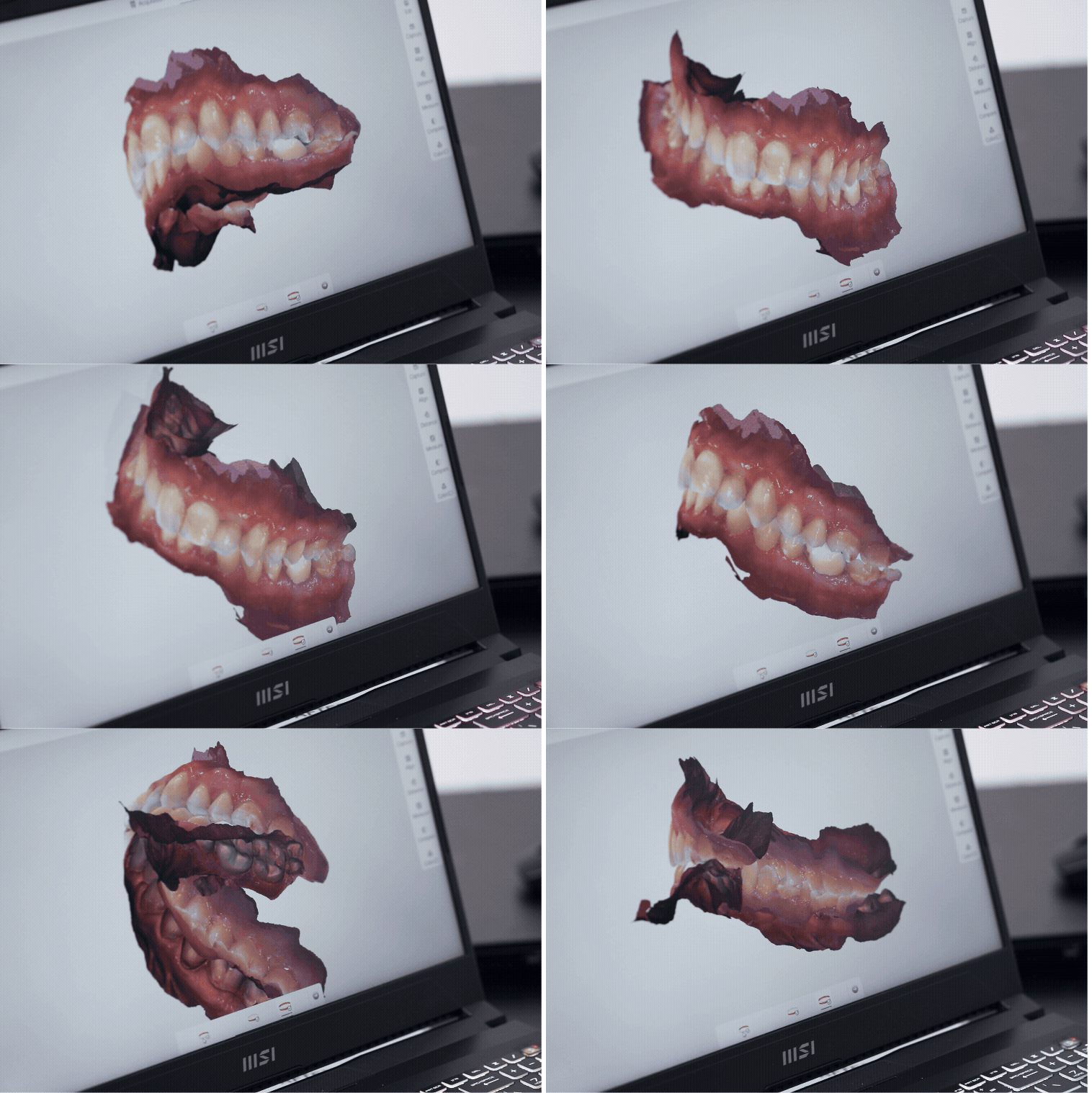
Send a Digital Impression
Eliminate the hassle of traditional cases by sending our team your digital impression. Find your preferred scanner on the list and use the provided protocols to get your file to our lab immediately.
Don’t see your scanner? Please contact us at lab@adldental.com to add and connect the scanner. We'll be more than happy to assist!
-
• Go to www.meditlink.com
• Login to your Meditlink Account
• Click on "Partners", then “Invite Partner” (upper right hand side)
• Enter our email address: CAD@adldental.com
-
• Call 800-577-8767
• Request to add ADL Dental Lab to your dropdown or provide the Lab ID #1842
-
• Go to portal.3ShapeCommunicate.com
• Log in or sign up for an account
• Click the “Connections” tab at the top and click “Add Connection”
• Connect with ADL Dental Lab by inviting CAD@adldental.com
• After connecting to us as a lab, select ADL Dental Lab when sending files
-
Contact 3M Support at 800.634.2249
Select Option 3
Select Option 1 and request ADL Dental Laboratory to be added to your scanner
3M will then confirm with ADL Dental Laboratory and add connection remotely
-
• Go to https://dentalconnect.dexis.com/
• Log in or sign up with your email
• Click “Quick Connect” or the icon of three people in the upper right corner
• Click “Add a partner”
• Add: CAD@adldental.com
-
Go to www.dscore.com
Log in to your DSCORE account
Click on your account icon (top right)
Select "Practice"
Select "Preferred Labs" tab
Click "Add Preferred Labs" (right side of the page)
Search for MicroDental
Select "Active DSCORE Accounts Only." All active MicroDental labs will display
Find our lab and click "Add Lab" to connect with us
-
Go to www.ddxdental.com
Go to “My Lab”
Go to “Add Lab”
Locate ADL Dental Laboratory or Lab ID (Please Call for our ID #)
-
Create an account, then log in to the cloud portal
Go to “Partners/Labs”
Search for our lab by: Lab name (MicroDental ADLK) OR registered email (cad@adldental.com)
Send connection request
We will accept, and then we are connected!
-
Please contact us at lab@adldental.com to add and connect the scanner. We'll be more than happy to assist!
Send a Traditional Impression
Proper care when packing your case for shipping plays a significant role in the case's condition and the service we can provide. Broken models can result in ill-fitting prosthetics, requiring a new impression and causing inconvenience for you and your patient. Additional bubble wrap should be added to fill the box to avoid movement and possible breakage during shipping.
Local to our area? Schedule a pickup with us→
Place all impressions and bites in the biohazard bag provided and seal.
Place Rx and/or any other documents in the separate pocket on the outside of the bio bag. If you do not have bio bags with outside pockets, please place paperwork in a separate bag.
When shipping an articulator and facebow:
Remove models from the articulator and wrap individually, OR if models remain on the articulator, please separate the articulator. Each piece should then be wrapped individually and anchored in the box. The facebow and other enclosures should be wrapped separately.
Shipping loose crowns, bridges, implant parts, and/or shade tabs: Place in a separate small container or sealed plastic bag and wrap separately to avoid loss or breakage.
Any photos or slides that accompany the case should be placed in a plastic bag for protection.
Reference the item(s) you are sending in the checklist section of the Rx.
Call for pick-up and delivery options.
Schedule a Local Pickup
Our delivery drivers pick up and deliver cases from practices within our local area. Please provide us with your practice’s address, and one of our drivers will be on their way right away.
Upload a File
We've made uploading files to our lab easy and efficient. Simply drag your case photos, DICOM files, shade match photos, or any other documents relevant to your case into the “Choose File” section.
For uploads containing a large number of files (including DICOM files), please zip them into a single archive before uploading.