Making Digital Dentistry Easy
Our Digital Advantage Team (DAT) is here to help you get started with digital scanning, grow your digital capabilities, and build confidence every step of the way. Whether you’re new to digital or ready to expand, the DAT helps your practice get more from digital dentistry with personalized training, workflow support, scan troubleshooting, and ongoing guidance.
Need a Digital Consultation or Want to Discuss Scanning Techniques?
Complete the form, and our DAT will reach out shortly to discuss how digital dentistry can help grow your practice. In the meantime, you'll receive our IOS Scanning Guide to help you get started.
Meet Your Digital Experts
Our Digital Advantage Team works directly with your practice to answer questions, solve problems, and help your team build confidence with digital workflows.
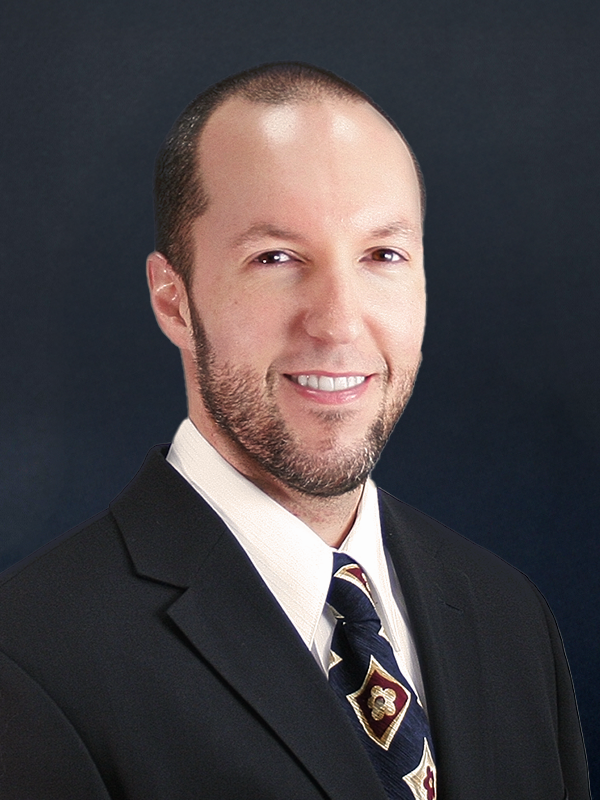
Director of Technical Operations
Eric has reviewed over 100,000 scans and helped hundreds of doctors refine their digital dentistry skills.
Eric Hill
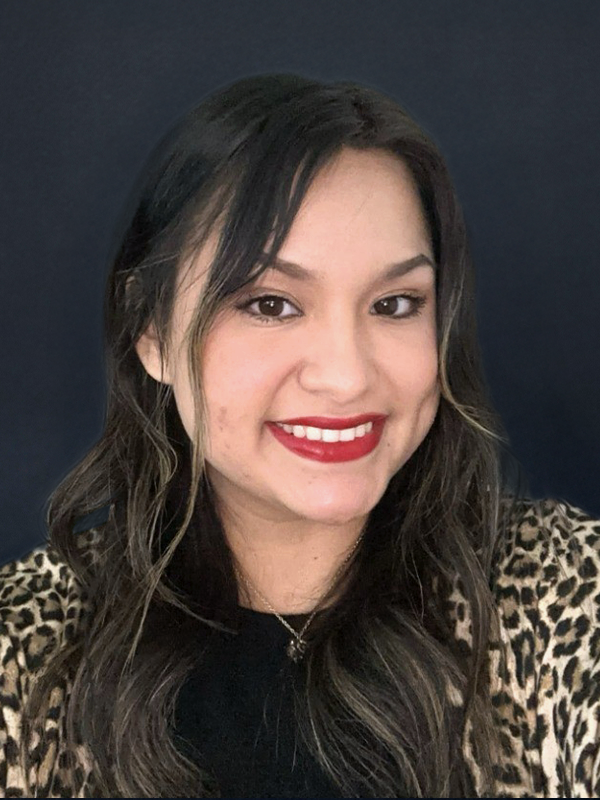
Digital Advantage Team Specialist
Paola is proficient in all major IOS platforms, including Trios, Medit, iTero, Shining 3D, and DEXIS.
Paola Contreras
Support Where You Need It
-
Training & Education
Build confidence with your digital tools
Assistance with your digital transition
Identifying the right IOS
In-office or virtual scanner training
Team training and onboarding
IOS best-practice education
-
In-Depth Scan & Workflow Support
Get more predictable results from every scan
Case scan analysis
Guidance on complex digital cases
Scan submission support
Ongoing digital workflow coaching and optimization
Direct connection with technicians
-
Helping With Troubleshooting
When something isn't working, we're here to assist
Scanner and software troubleshooting
Scan errors and incomplete data
Connecting your team with the right technical resources
-
Furthering Your Digital Knowledge
Keep learning and improving your skills
Stay updated on the newest scanning devices and workflow information
Get feedback to improve future submissions
Supporting You From Scan to Submission
-
Scan
Capture digital data with your IOS
-
Review
Go over your scans with us to catch possible issues before they cause delays

-
Submit
Send the reviewed case scans and Rx to our lab

-
Fabricate
Our technicians work on the case based on the scans you provided
-
Evaluate
Use feedback from each case to continuously improve your digital skillset
FAQs
-
Digital cases typically reduce turnaround time by 1-3 days, depending on scan clarity, occlusion, and whether corrections are needed.
-
Before scanning, focus on three things:
Minimize direct light: avoid direct light from a headlamp or overhead light shining into the scanning area.
Control fluid: evacuate blood and saliva as needed and keep the scanning field appropriately controlled.
Expose the margin: make sure the preparation margin is visible before scanning.
After scanning, verify the margin in STL view rather than relying only on the color image.
-
The laboratory needs to know exactly which scan body was used so we can select the correct corresponding digital library information.
It's not always enough to list only the implant brand. If you're using a third-party scan body, identify the manufacturer of that scan body, as well as the implant system it is designed for. Different third-party scan bodies can have different specifications, and incorrectly identifying one can lead to confusion during the workflow.
-
In most cases, yes. Most modern systems allow STL exports, though some are more open than others.
You’re generally not locked into having your cases fabricated exclusively within one manufacturer's ecosystem.
-
Before submitting a case, verify:
The preparation margin is clearly visible in STL view.
The bite is accurate.
The appropriate case information has been entered.
Implant information is correct when applicable.
The exact scan body has been identified.
The implant platform information is correct.
Any third-party scan body is specifically identified.
Taking a few minutes to verify these details can help prevent miscommunication or errors.
Workflow
-
Inconsistency: Scanning an arch incrementally without following a consistent pattern can result in loss of cross-arch accuracy. A recommended approach is to establish a roadmap first, starting with the occlusion and then filling in the buccal and lingual data.
Skipping Steps: Another common mistake is skipping steps or setting up a case generically instead of selecting the appropriate case type and following its specific scanning sequence. For example, an implant case may require a different workflow than a sleep appliance case.
-
Slow scanning isn't necessarily caused by the scanner itself. One common cause is that the computer supporting the scanner isn't properly updated.
Check that:
· The computer's operating system is up to date.
· The graphics card is up to date.
· Drivers and related software are properly updated.
When the computer, drivers, and scanner software aren't properly aligned, glitches or slower scanning can occur regardless of the scanner brand.
-
In many cases, yes. Digital scans don't have the same mechanical tissue displacement that traditional impression materials can provide. With a traditional impression, the impression material can help displace tissue and expose the preparation margin.
For digital impressions, the margin needs to be adequately exposed by other means. Depending on the case, this may include appropriate preparation and the use of retraction cord or a laser to expose the margin. Consider a chamfer or shoulder preparation rather than relying on very thin knife-edge margins when the case is digitally fabricated.
-
Don't rely solely on the color image.
Be sure to check the preparation in STL/monochromatic view. A margin can appear clearly defined in a PLY/color scan because of the difference between tooth and tissue color, even when the actual scanned geometry doesn't clearly capture the margin.
Before submitting a case, zoom in on the margin in STL view and confirm that you can clearly identify the actual margin.
-
Yes. Scan the posterior bite on both the left and right sides rather than relying on a single bite scan.
Scanning only one side can make the articulation appear correct on the screen even when the opposite side is slightly inaccurate. Discrepancies can be as much as a half a millimeter or a millimeter, and scanning both sides helps the software properly relate the arches.
-
The laboratory needs to know exactly which scan body was used so we can select the correct corresponding digital library information.
It's not always enough to list only the implant brand. If you're using a third-party scan body, identify the manufacturer of that scan body, as well as the implant system it is designed for. Different third-party scan bodies can have different specifications, and incorrectly identifying one can lead to confusion during the workflow.
-
Fully edentulous scans can be particularly challenging because soft tissue doesn't provide the same distinctive contours and reference points as natural teeth.
Following a very strict scanning pattern is critical for these cases. If a patient already has a denture, another option is taking a wash impression inside the existing denture and scanning that instead. This can provide additional definition and make tissue information easier to capture digitally.
Scanning Techniques
-
We support all major scanners, including iTero, Trios, Medit, CEREC, DEXIS, and more.
-
Modern intraoral scanners are highly accurate and have become an essential part of digital dentistry. For most restorative applications, digital impressions can provide the precision needed for predictable clinical results while creating a faster, more efficient workflow for the practice and a more comfortable experience for the patient.
Scanner technology continues to advance, but accuracy depends on more than the device itself. Scanning technique, case type, preparation, moisture control, and proper training can all influence the quality of the final scan.
For more complex applications, particularly long-span and full-arch implant cases, additional clinical considerations may be required to achieve the desired level of accuracy.
-
Yes! Our DAT reviews scans for accuracy, margins, and occlusions, reducing remakes and the number of chairside adjustments needed.
-
We offer digitally designed immediate dentures, complete dentures, and full-arch zirconia solutions using advanced CAD/CAM workflows.
-
The process depends on the scanner system.
Some systems use an invitation or "call and response" process between the dental office and laboratory. Other systems use a specific laboratory code or connection process.
iTero is one notable example: the laboratory provides the office with its iTero code, and the office works with iTero to establish the laboratory connection.
If you're unsure how to connect your scanner to the lab, we are more than happy to help facilitate that process. Please contact us for assistance.
-
You can connect your scanner to our network of laboratories or connect with our team at digitalateam@microdental.com for onboarding and assistance.
Digital Support

Digital Dentistry in Practice: Mastering Intraoral Scanning and Clear Aligner Integration
CHECK OUT OUR BLOG POST!
Our Certifications
We are proudly iTero caLABrate certified.

We Assist with All Intraoral Scanning Devices